How to Choose Photos for Your Album
Creating a photo album is about more than collecting images—it’s about telling a story. Whether you’re designing a wedding album, family yearbook, travel scrapbook, or personal memory book, choosing the right photos transforms your collection into something meaningful and timeless.
But if you’ve ever sat in front of hundreds (or thousands) of photos wondering “Which ones do I even pick?”—you’re not alone.
This guide will walk you through exactly how to choose photos for your album in a way that feels intentional, emotional, and beautifully organized.
Let’s start by exploring why photo selection truly matters before we dive into the steps.
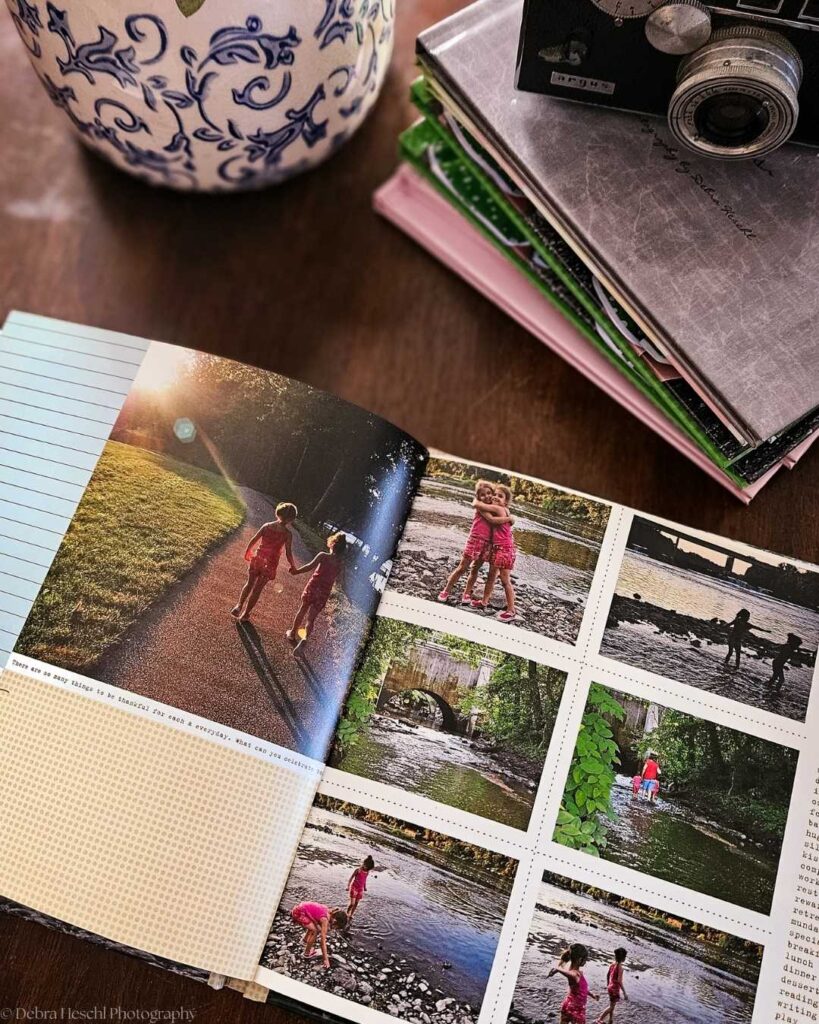
Why Photo Selection Matters in Album Design
Before diving into the “how,” it’s important to understand the “why.”
Your album isn’t meant to hold every photo—it’s meant to hold the right photos. The ones that:
- Tell a complete story
- Capture real emotion
- Represent key moments
- Flow visually from beginning to end
Think of your album like a movie. You don’t include every second of footage; you only include the scenes that matter.
In my recent posts, “Digital Photos Are Great, But Don’t Forget to Print” and “How to Document, Organize, and Print Family Photos,” I shared practical ways to preserve your memories beyond your camera roll.
Printing your favorite images and organizing years of photos helps you move from taking pictures to truly keeping and enjoying them.
Start With Your Story, Not the Photos
One of the biggest mistakes people make is choosing photos randomly.
Instead, start by asking:
- What story am I telling?
- What is the beginning, middle, and end?
- What feeling do I want this album to have?
For example:
- Wedding album → anticipation → ceremony → celebration
- Family album → everyday life → milestones → growth
- Travel album → arrival → exploration → highlights → goodbye
Defining your story first simplifies photo selection.
Choose “Hero Moments” First
Hero moments are the standout images that carry emotional weight. These are your anchors.
Examples include:
- First kiss at a wedding
- A child laughing uncontrollably
- A sunset over a meaningful location
- A milestone moment (graduation, birth, reunion)
Start by selecting 10–30 hero images depending on album size. These will shape the structure of your entire layout.
Add Supporting Story Images
After choosing hero shots, fill gaps with supporting images.
These are photos that:
- Show context (getting ready, environment, details)
- Capture transitions between moments
- Add emotional depth or storytelling flow
For example:
- Close-up of hands during a ceremony
- Candid laughter between posed portraits
- Details like flowers, decor, or scenery
These images help your album feel complete rather than fragmented.
Remove Duplicates and Near-Duplicates
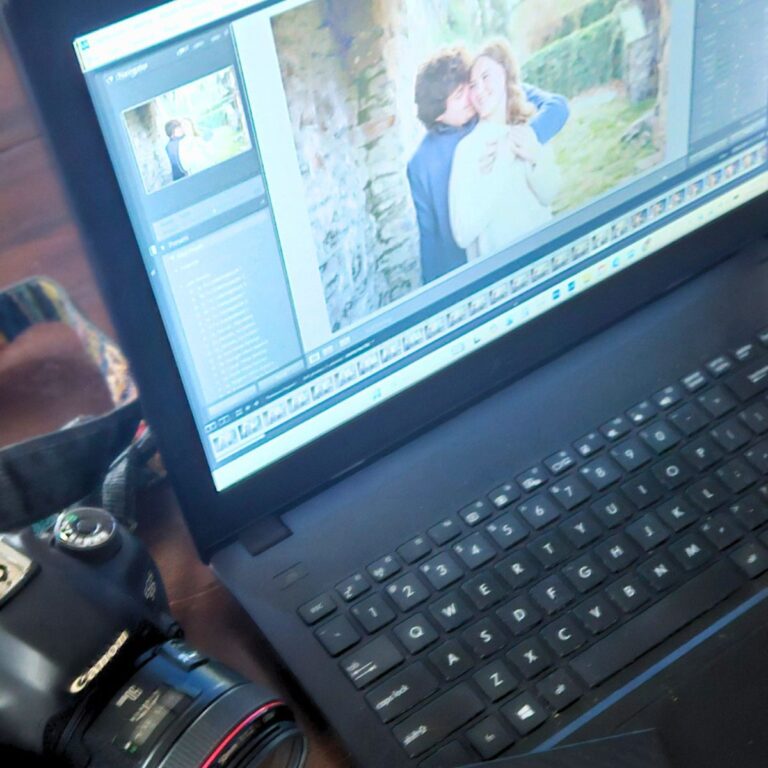
This step is where most people get stuck, especially when choosing from burst photos. To make sorting easier, start by quickly scanning through groups of similar shots and marking your favorites with a simple star rating or ‘favorite’ tag in your photo app.
You can also use a side-by-side view to directly compare similar images and spot the most expressive or best-composed option at a glance.
Narrow down your selection by eliminating the least strong shots, and only keep one or two of each moment you want to highlight.
Ask yourself:
- Which image has the strongest expression?
- Which one has the best composition?
- Which one tells the story most clearly?
Even if you love several similar shots, choose only one or two. Too many duplicates can overwhelm your album and dilute emotional impact.
Prioritize Emotion Over Perfection
A technically perfect photo isn’t always the best choice.
Sometimes the “imperfect” photo is the one that truly matters:
- A blurry laugh that feels real
- A tearful expression
- A candid moment between poses
Emotion creates connection. And connection is what makes an album unforgettable.
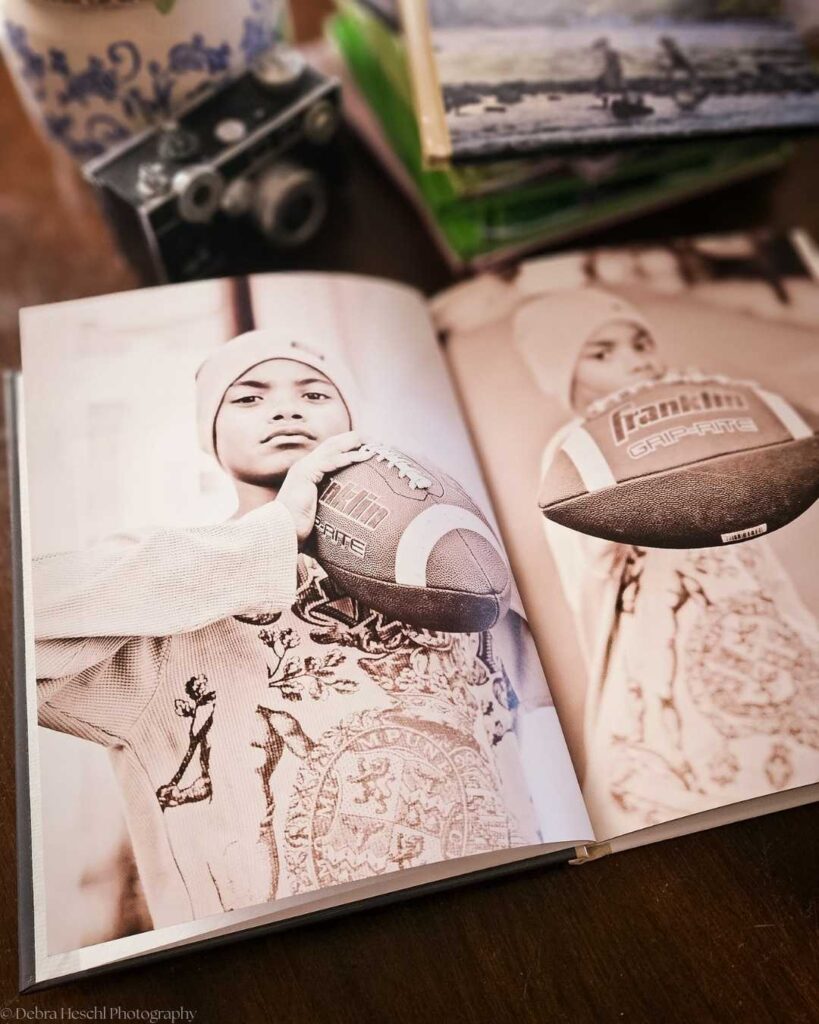
Think About Flow and Layout
Your album should feel like a visual journey.
As you select photos, consider:
- Do the images move naturally from one moment to the next?
- Is there a balance between wide shots and close-ups?
- Are similar tones or colors grouped together?
A well-flowing album feels effortless to view, even though it’s carefully curated.
Include Breathing Space
Not every page needs to be full.
White space or simple layouts:
- Give emotional moments room to stand out
- Prevent visual overload
- Make your album feel more high-end and intentional
Less can truly be more when it comes to storytelling design.
Limit Your Final Selection
A common guideline for album curation:
- Small album: 20–40 photos
- Medium album: 40–80 photos
- Large storytelling album: 80–120 photos
It may feel hard to cut down, but a stronger selection always creates a more powerful final product.
Frequently Asked Questions
Recommended Posts You’ll Fancy!
Final Thoughts
Choosing photos for your album is ultimately about storytelling, not perfection. Remember, there is no single ‘right’ way to curate your album; your personal taste and style matter. Trust your choices and prioritize what feels meaningful to you.
When you focus on emotion, flow, and meaning, your album becomes something far more valuable than a collection of images; it becomes a memory you can feel every time you open it.
Take your time, trust your instincts, and remember: the best albums don’t show everything, they show what matters most.
Pin for Later!